Freelance guide 2026
Weekly Client Update Template for Freelancers
A practical weekly client update template, five messages for real project situations, and a simple routine for sending clear client updates without rewriting the same email every Friday.
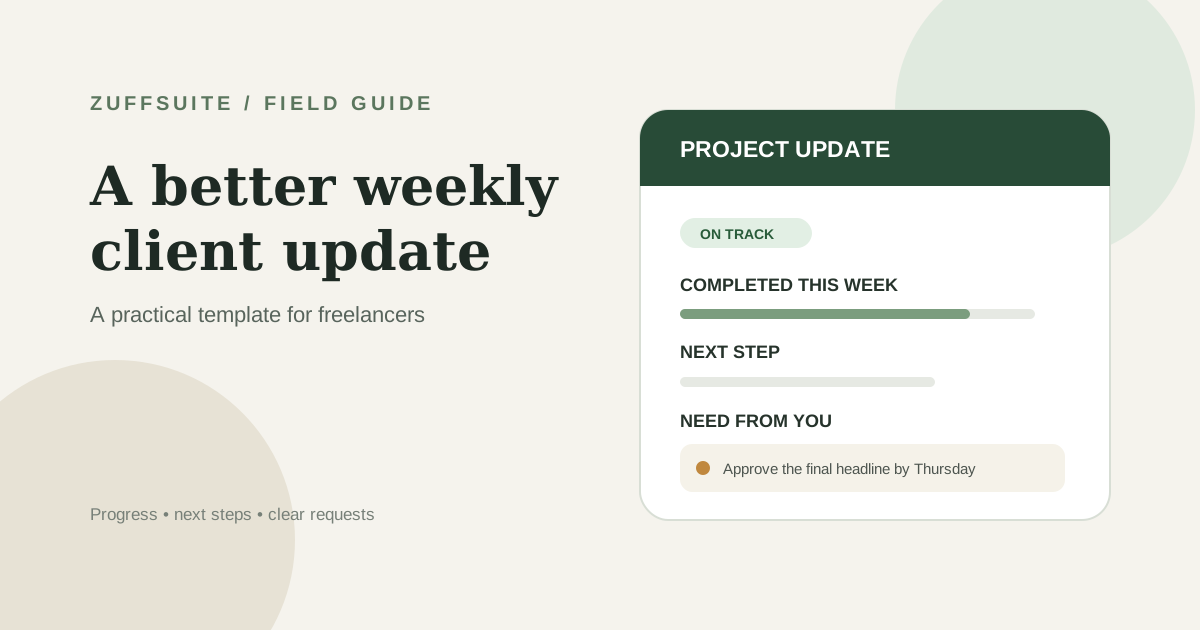
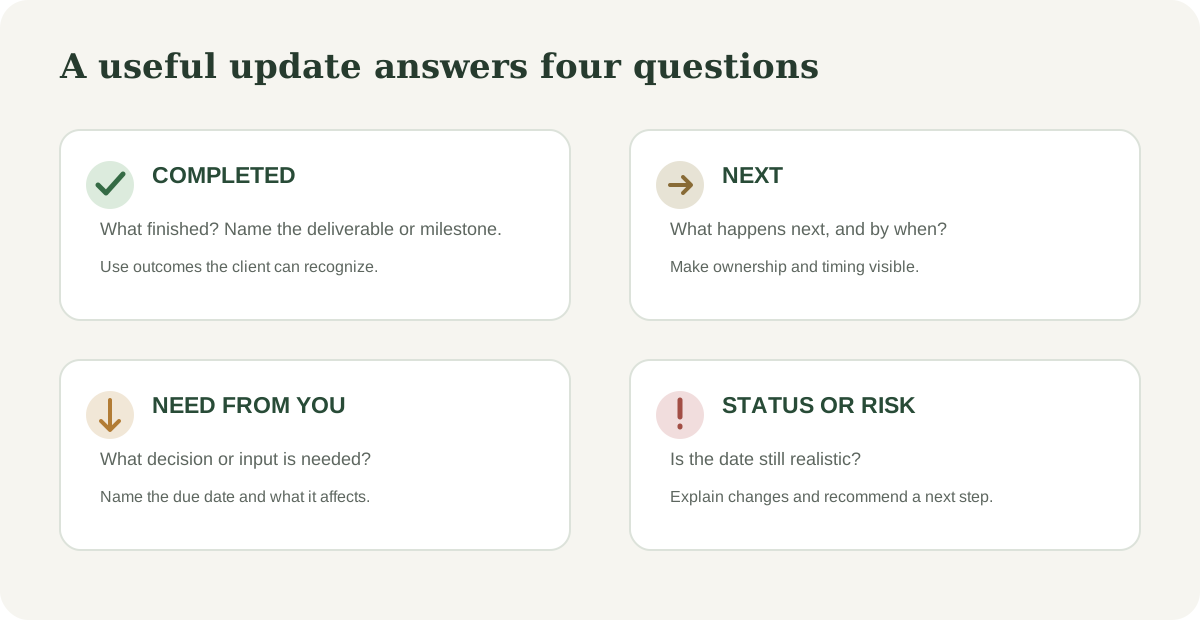
A weekly client update gives your client a dependable answer to four questions: What moved forward? What happens next? Is anything at risk? Do you need something from them? This weekly client update template for freelancers gives you a reusable structure, examples for good and difficult weeks, and a routine that keeps the message accurate without turning Friday into an hour of email writing.
The goal is not to make every project sound perfect. It is to make the current state easy to understand. A short update that says a decision is overdue is more useful than a polished note that hides the delay until the deadline is close.
Why send a weekly client update?
Clients often cannot see the work happening between meetings. They may not know that a draft is complete, that a review is waiting on their feedback, or that a dependency has shifted the next milestone. A regular update closes that information gap and gives both sides one written reference point.
For you, the routine is a light project review. It makes you compare what you promised with what is actually done, notice the next commitment, and raise questions while there is still time to respond. If you manage several accounts, a stable format also makes it easier to move between projects without relying on memory. Our guide to managing multiple freelance client projects shows how to keep those commitments visible in one overview.
A weekly client update template you can copy
Use this client update email template as a starting point. Remove sections that do not apply, and replace every bracketed field with a specific detail before sending. Keep the subject line recognizable so the client can find the project history later.
COPYABLE EMAIL TEMPLATE
Weekly client update
- Subject
- [Project name] — weekly update for [date range]
- To
- [Client name]
Hi [Client name],
- Here is the update for [date range].
Status
- [On track / At risk / Waiting on input] for [next milestone or delivery date].
Completed this week
- [Finished deliverable or meaningful milestone]
- [Another completed item, if useful]
In progress and next
- [Work underway and what you expect to complete next]
Need from you
- [Decision, file, feedback, or approval] by [date]
- [Or: Nothing needed from you this week.]
Risks or changes
- [What changed, its effect, and the proposed response]
- [Or: No schedule or scope changes to flag.]
Close
- I will send the next update on [day/date]. Reply here if you want to discuss any item.
What to include—and what to leave out
The update should answer the client’s practical questions, not narrate every hour you worked. A useful weekly project update email usually includes the following:
- A clear status tied to a milestone or delivery date, not a vague feeling.
- Completed work described as an outcome the client can recognize.
- The next one or two actions and who owns them.
- A specific request when you need input, with the date it affects.
- A risk or change with its impact and the next step you recommend.
Leave out internal task chatter, unconfirmed promises, and long explanations of every obstacle. If a detail does not change the client’s expectations, decision, or next action, it probably belongs in your working notes instead. Keep your detailed task list in a freelance project tracker and summarize only the parts the client needs.
Worked example: a landing page project
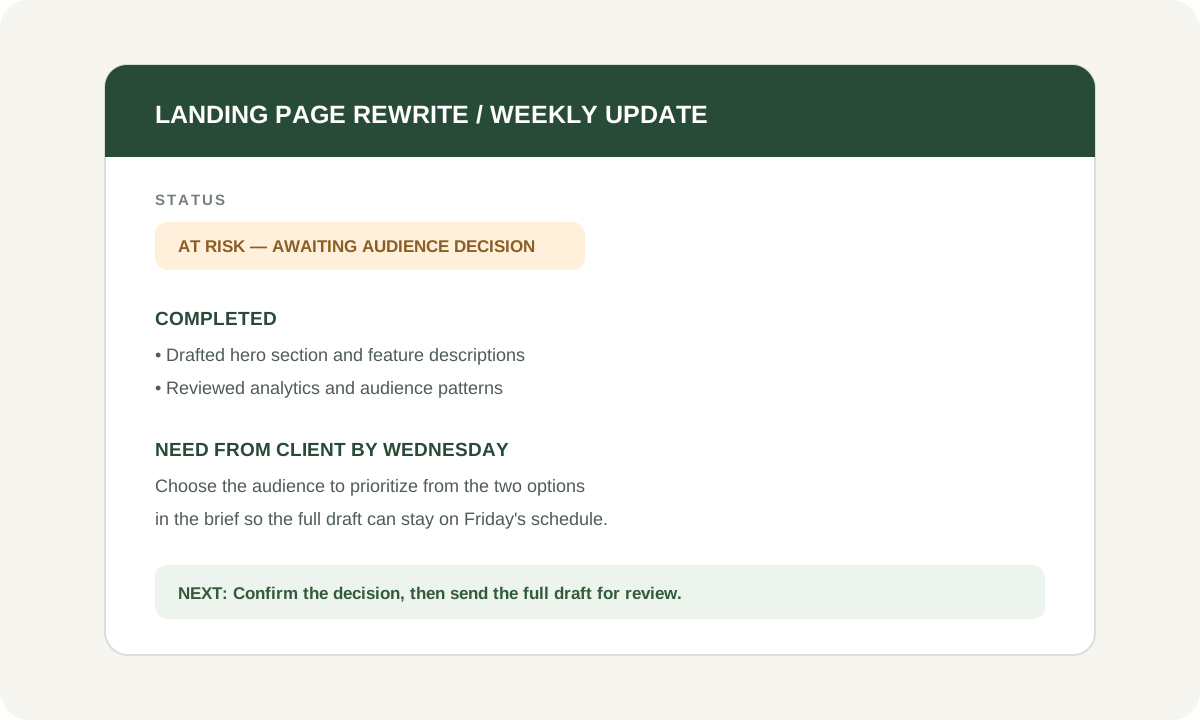
Suppose you are rewriting a small software company’s landing page. You planned to send the first full draft on Friday. The hero and feature sections are ready, but the client has not confirmed which audience the page should prioritize. A useful update can be direct without sounding alarmist:
EXAMPLE UPDATE
Landing page rewrite — week of October 5
- Status
- At risk for the Friday review, pending audience decision
- Next milestone
- Full draft review
Completed
- Drafted the hero section and three feature descriptions.
- Reviewed the current analytics and noted two audience patterns.
In progress
- Building the first full page draft around the approved product positioning.
Need from you
- Please choose the priority audience from the two options in the brief by Wednesday at noon.
Schedule
- If the audience decision arrives by Wednesday, Friday’s review remains realistic. If it arrives later, I will send a revised review date before changing the schedule.
The note separates finished work from the decision that is holding up the next milestone. It gives the client a concrete action, a deadline, and a clear explanation of what happens next. It does not imply that the freelancer can absorb an unknown delay without discussing it.
Five client update examples for different weeks
A template becomes genuinely useful when it also works outside the ideal week. Adapt these short examples to the project, then add only the detail needed to make the next action clear.
1. When the project is on track
Status: On track for the October 16 handoff. This week I completed the page outline and approved headline options. Next I am drafting the service pages. Nothing needed from you this week; I will send the first page draft on Friday.
2. When you are waiting for client feedback
The first draft is ready for review. Please send consolidated comments by Tuesday so I can keep the October 16 handoff. I have marked the next revision as waiting for feedback. If Tuesday no longer works, let me know and we can agree on a revised date. For a fuller review process, see our guide to managing client feedback and revisions.
3. When the week was quiet
There was no new deliverable to share this week because the project is in the approval window. I checked the open comments, prepared the revision list, and am ready to begin as soon as the decision arrives. The next milestone is unchanged for now; I will update you if the approval date affects it.
4. When a blocker needs a decision
The integration work is paused because we need access to the test account. Please invite my work email by Thursday, or confirm who can provide access. Once I have it, I expect one working day to finish the connection. Until then, the launch date is at risk.
5. When the schedule needs to change
The approved copy arrived three days later than planned, so the original Tuesday review date is no longer realistic. I can send the revised draft Thursday afternoon and keep the final handoff on the 24th, or keep the Tuesday review by reducing the second review round. Which option works better for you?
How to send updates consistently without rewriting everything
The writing gets faster when you build the update from the project record, not from a blank email. At the end of each work session, note what changed, what remains open, and the next action. Before sending the weekly note, verify the dates and status against that record. This takes a few minutes and reduces the chance that a confident-sounding update repeats an old plan.
- Choose one regular day and tell the client when to expect the update.
- Use the same headings for each project so missing information stands out.
- Keep a simple tracker for deliverable, owner, date, status, and next action.
- Mark items waiting on client input instead of treating silence as approval.
- If a commitment changes, agree on the new date and update your project record.
This is intentionally a small routine. A spreadsheet and email may be enough when you have a few projects. When notes, files, plans, and status reports are scattered across many places, consider whether a connected workspace would save more time than it adds. The useful question is whether you can reliably find the current decision and next action—not how many tools you use.
How this guide compares with other template guides
Many pages competing for client update email searches lead with multiple ready-made formats. For example, KeepPostd offers five update formats and FeedSen organizes examples by client situation. Those are useful starting points when you simply need wording. The practical gap this guide addresses is what happens around the email: where to record the commitment, how to state a blocker, and how to handle a quiet week or late decision without implying that the schedule is unchanged.
How ZuffSuite can help
If you are building a repeatable freelance workflow, pair this weekly client update template with the freelance project tracker guide and the freelance project intake process. Those pieces help you capture the work at the start, track it while it is active, and communicate its status clearly.
Before delivery starts, write down what the client expects and what you are actually providing. Our freelance project brief template gives you a concise way to clarify deliverables, exclusions, and open questions.
Frequently asked questions
How often should freelancers update clients?
Weekly is a useful default for ongoing work because it gives the client a predictable rhythm. A short project may need only a kickoff and milestone updates; a fast-moving or high-risk project may need updates more often. Agree on the cadence at the start and change it when the work requires it.
What should a freelancer client update include?
Include completed work, current status against the next milestone, what happens next, any decision or material you need from the client, and risks that could affect timing or scope. Keep the message short enough to scan.
What if I have no progress to report?
Say why there is no new deliverable, what you did to keep the project ready, whether you are waiting on someone, and what happens next. If the schedule may change, state that clearly and agree on a revised date when needed.
Should I send an update when the client is blocking work?
Yes. Name the input you need, the date you need it, the milestone it affects, and the action you will take when it arrives. Record the status as waiting for client input so the delay does not disappear from your project overview.
Keep exploring
More guides for your work
Freelance template Oct 7, 2026
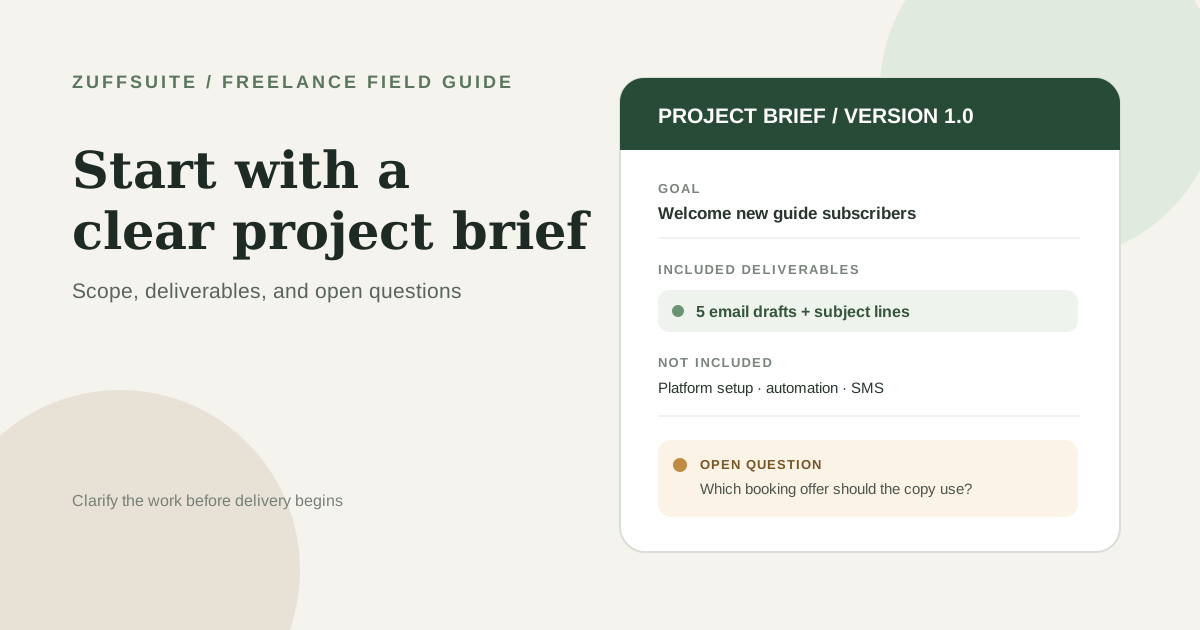
Freelance Project Brief Template: Scope, Deliverables, and Open Questions
Copy a practical one-page freelance project brief, see it filled in, and learn how to clarify scope, client inputs, approvals, and open questions before you begin.
Read the guide
Practical guide Oct 3, 2026
Free Business Expense Spreadsheet: What to Track and How to Set One Up When You Work Solo
If you work for yourself, your expenses are probably spread across card statements, email receipts, a few paper slips and a handful of subscriptions you half remember signing up for. Nothing is wrong yet.
Read the guide
Field guide Oct 3, 2026
How to Manage Multiple Freelance Client Projects Without Losing Track
A worked three-client week, a small project overview, and a repeatable review to keep commitments clear.
Read the guideA workspace for what comes next
Give your next project one clear home.
Keep notes, documents, tasks, and presentation work together in a personal workspace. Share something when you choose.